macOS app
Katamaran.app is a native Swift and AppKit application that lives in the macOS menu bar and opens a full management window on demand. It communicates with katamaran daemon and the guest Docker socket directly over Unix sockets.
Menu bar controls
Section titled “Menu bar controls”Click the sailboat icon in the macOS menu bar to:
- Check whether the VM and Docker are running, starting, or stopped
- Start, stop, or restart the VM
- Open the main management window
- Open the Settings window
- Quit the app
Closing the main window keeps the menu-bar app and the VM running.
Main window sections
Section titled “Main window sections”The main window sidebar groups management views into three sections.
Docker
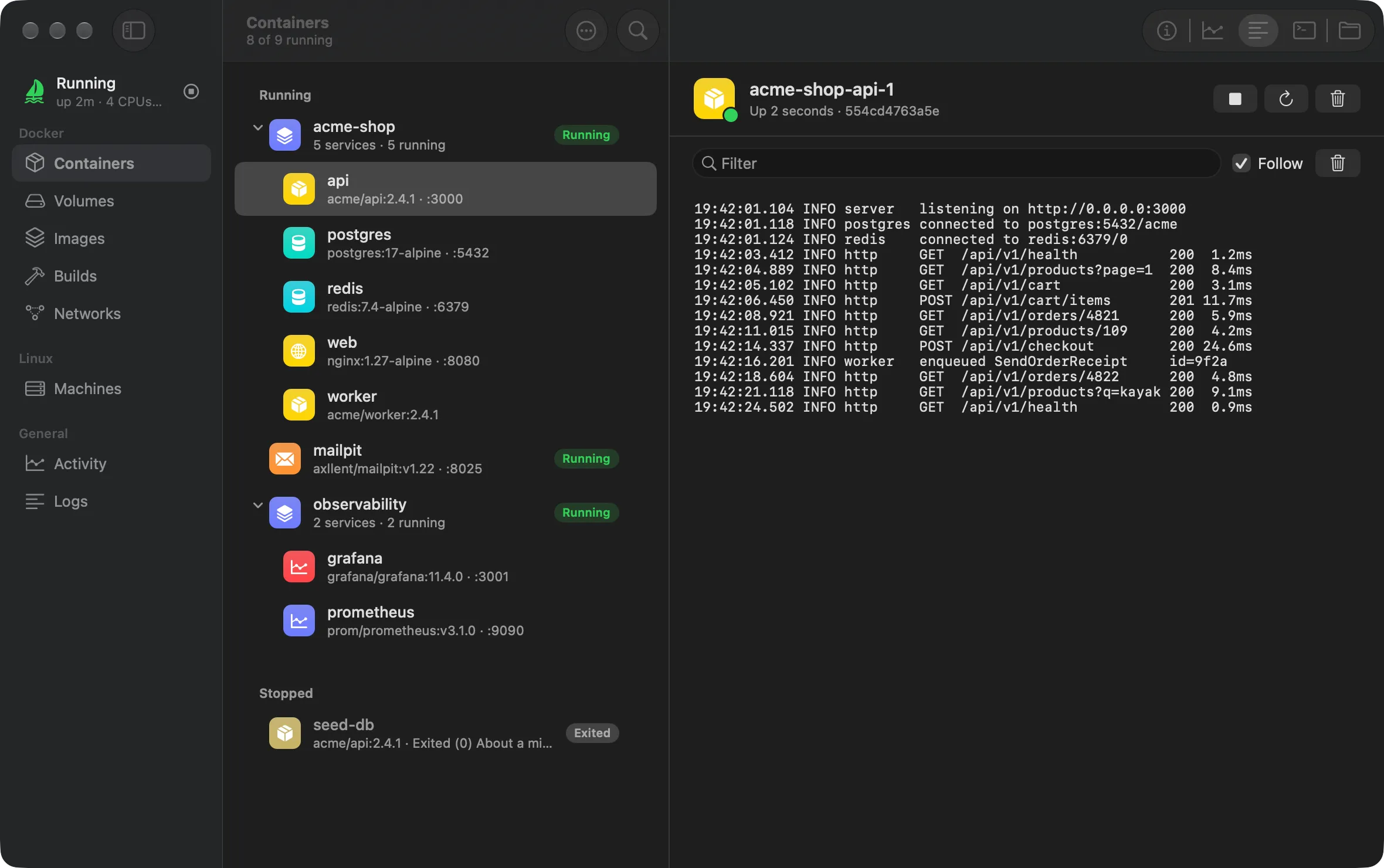
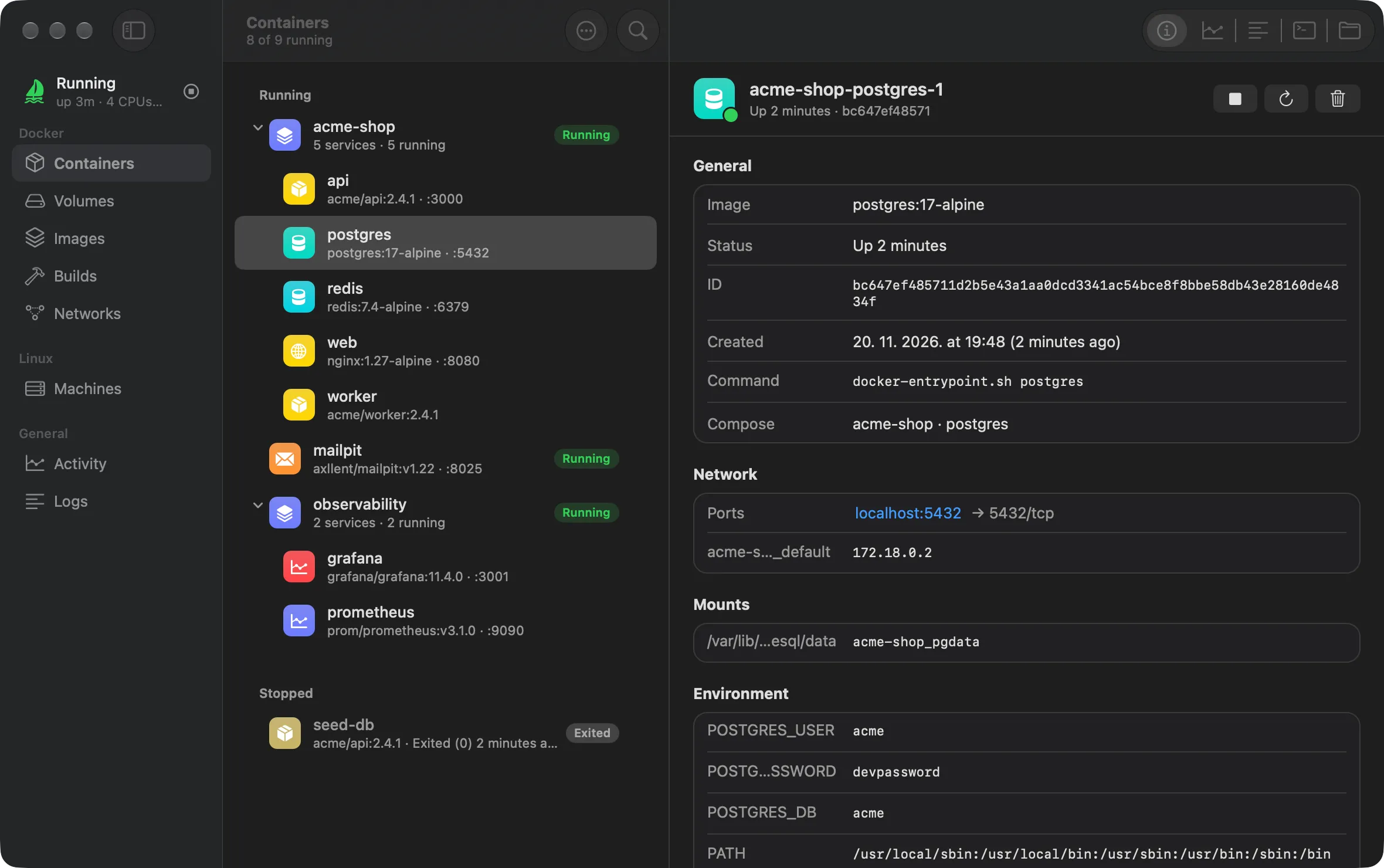
Section titled “Docker”- Containers: List running and stopped containers, start, stop, restart, remove, inspect environment and mounts, stream logs, and open an interactive terminal powered by
libghostty-vt(crates/kat-term). - Volumes: Inspect Docker volumes, open volume data in Finder under
~/Katamaran/docker/volumes/, and remove unused volumes. - Images: Browse local images in the containerd store, view sizes and tags, and prune unused images.
- Builds: Monitor active and recent Docker BuildKit builds with step progress.
- Networks: Inspect Docker bridge networks and attached containers.
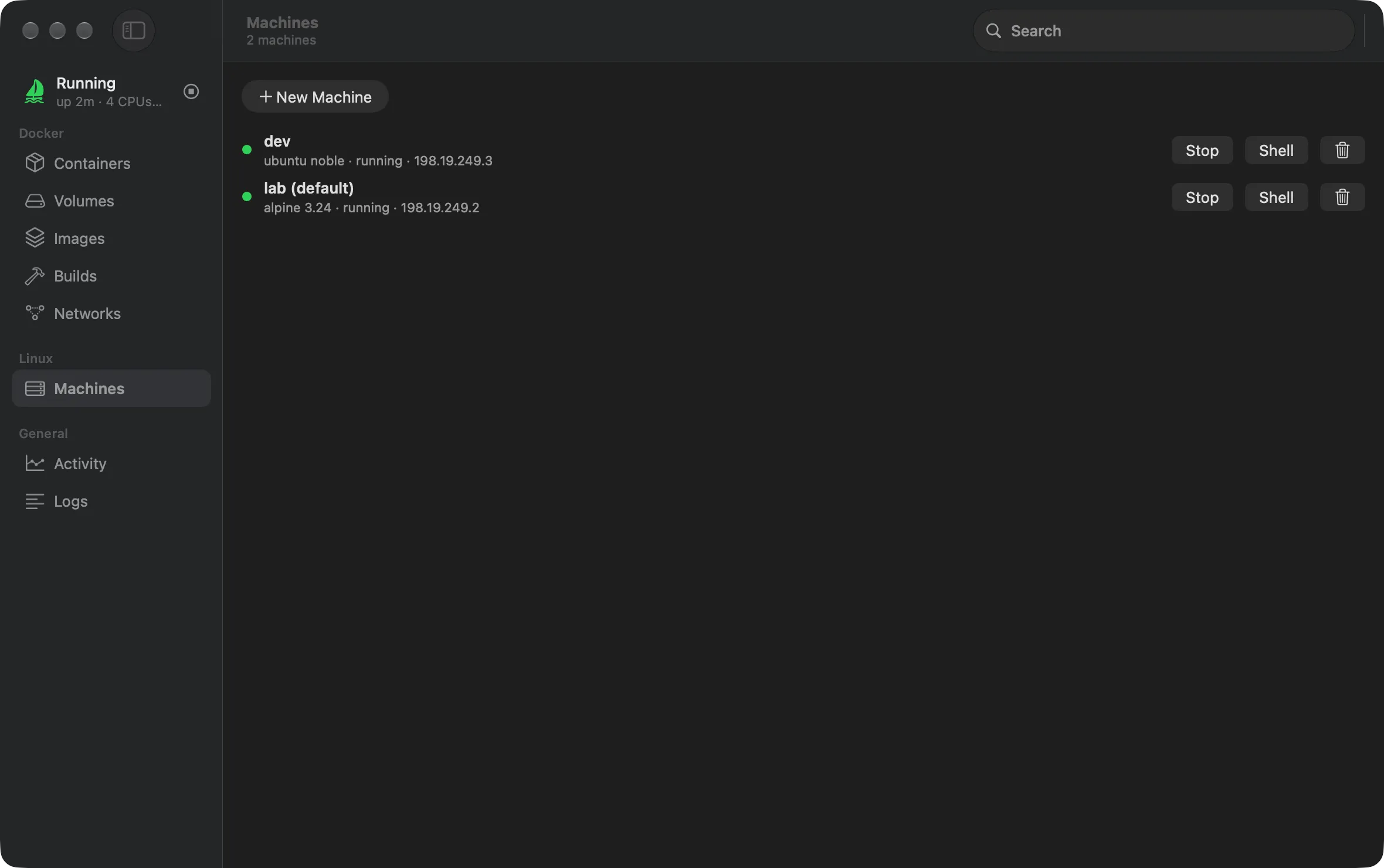
- Machines: Create, start, stop, delete, and open interactive terminals into LXC Linux machines.
General
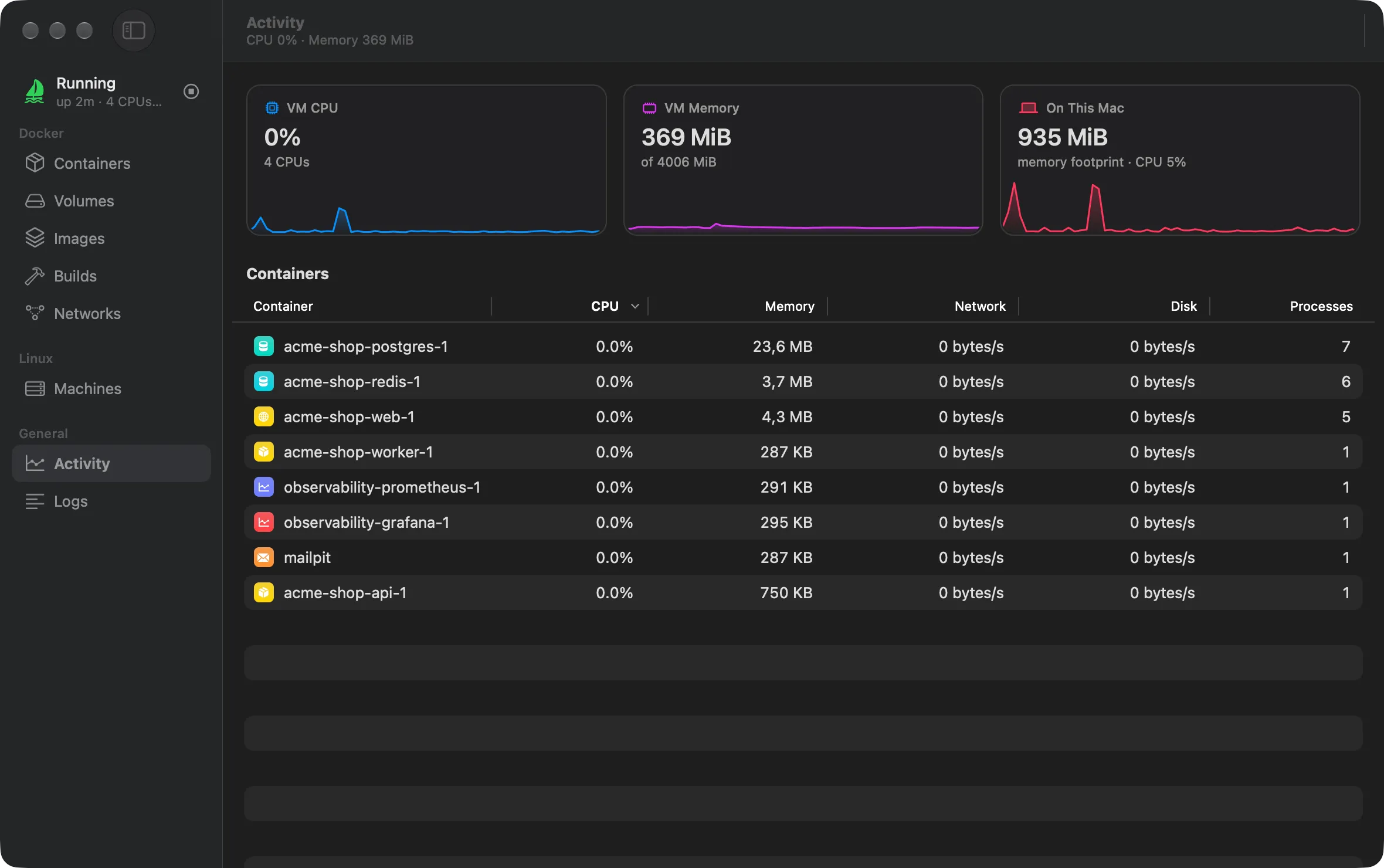
Section titled “General”- Activity: View live CPU and memory usage of the VM.
- Logs: Stream live logs from the daemon, guest console, VM monitor, and gvproxy.
Settings window
Section titled “Settings window”Open Settings from the menu bar or press Cmd+, to adjust:
- CPU count (
cpus) - Memory limit (
memory_mib) - x86-64 emulation mode (
amd64) - Automatic port forwarding (
auto_forward) - macOS NFS file mount (
mountandmount_path) - Start at login (
launch_at_login) - Pause VM while Mac sleeps (
pause_on_sleep)
Changes write atomically to ~/.katamaran/config.toml and indicate when a VM restart is required.